
How to Increase Golf Simulator Bay Utilisation
Empty bays cost more than you think. Here are 5 practical ways to increase golf simulator bay utilization without adding staff or cutting your prices.
Empty bays cost more than you think. Here are 5 practical ways to increase golf simulator bay utilization without adding staff or cutting your prices.
September 2, 2026 / Caroline Seljåsen, Anette Otterdal Hilsen
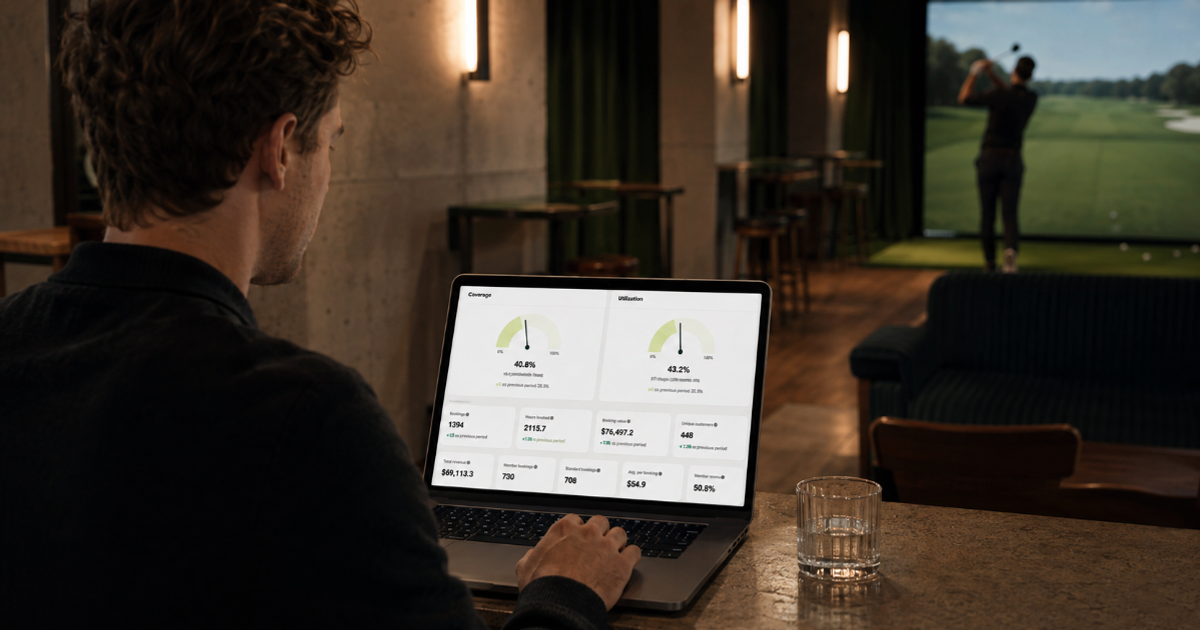
To understand how to increase golf simulator bay utilisation, start by identifying where capacity is being lost. The goal is not only to make busy periods busier. It is to turn more quiet bay-hours into paid bookings without reducing the value of peak times or adding work for your team.
Every simulator bay has a fixed number of hours available each day. Once an empty hour has passed, it cannot be stored and sold later.
Bay utilisation is a straightforward way to see how much of that capacity your customers are using.
Bay utilisation = booked bay-hours / available bay-hours x 100
A four-bay venue open for 12 hours has 48 available bay-hours each day. If customers book 24 of them, golf simulator bay utilisation is 50%. That overall figure is a useful starting point, but the real insight comes from breaking it down by time, day and bay.
Here are five practical ways to improve golf simulator bay utilisation.
A venue-wide average can hide where the opportunity lies. Your venue may be almost full on weekday evenings while weekday mornings remain largely empty. Looking only at the average reduces those different demand patterns to a single number.
Separate peak and off-peak utilisation first. Then compare individual days, hours and bays. It also helps to review your average booking length, how far ahead customers book and the revenue generated per available bay-hour.
Alba’s performance and bay usage insights can help you track bookings and usage by bay, including heatmaps for busy and quiet periods. Use that data to choose one underused time window and measure it separately for four weeks. This gives you a baseline before adjusting pricing, products or opening hours.
Not every bay-hour has the same value. A Friday evening and a Tuesday morning are different products, even when the simulator is the same.
Broad discounts can reduce revenue from customers who would have booked anyway. More targeted pricing can help you protect peak periods while giving price-sensitive customers a reason to choose quieter times. That might mean a lower weekday practice rate, a last-minute price for unsold bays or different pricing by hour, day and bay.
Measure revenue alongside utilisation. A lower price that fills additional capacity can work well, while one that shifts existing customers out of peak periods may not. Alba’s guide to dynamic bay pricing explains how peak and off-peak rules can work alongside memberships and targeted offers.
Quiet hours usually need a specific customer and a specific reason to visit. Rather than promoting a general daytime discount, consider who is genuinely available during that period.
Daytime memberships can suit retirees and shift workers. Practice memberships can appeal to solo golfers. Junior sessions, coaching programmes and after-work leagues create a repeated reason to return. Corporate packages can bring several players to your venue with a single booking.
Connect the offer to the capacity you want to fill. An off-peak membership can include weekday hours while protecting evenings and weekends. A six-week clinic can occupy the same quiet period each week. Value cards can encourage another visit without requiring a subscription.
Recurring products can be useful because they turn occasional demand into a habit. They also reduce the need to promote every individual empty hour from scratch.
Demand only improves utilization when customers can find and book available times. Golf simulator booking software should show live availability, work clearly on mobile, and integrate booking and payment into a single process.
Calendar structure matters too. Fixed 60-minute bookings can leave you with smaller gaps that are difficult to sell. Offering 15, 30 or 60-minute intervals can make short practice sessions and pre-round warm-ups bookable. The setup still needs enough structure to avoid creating unusable gaps between bookings.
Golf simulator reservation software should also handle confirmations, reminders, changes and cancellations without manual follow-up. Indoor golf booking software can help you recover unused time by allowing bookings close to the start time. If the next slot is available, an extension prompt can turn a current session into another paid 15-, 30- or 60-minute session.
Increasing golf simulator bay utilisation does not always require more demand within your existing schedule. Sometimes the opportunity sits just outside it.
Connected booking, payment, door access and simulator control can make early mornings or late evenings available without someone on site. Customers can book, pay, receive access details and use your bay during the reserved period.
A venue does not have to move directly to 24/7 operation. It may be worth testing two unattended hours, selected late-evening sessions or member-only access. Alba’s automation tools connect access, reminders and simulator control to the live booking calendar.
The practical answer to how to increase golf simulator bay utilisation is to start with one clear gap rather than changing the whole operation at once. Measure a quiet period, test one relevant lever and compare both utilisation and revenue afterwards. Better pricing, recurring offers, thoughtful golf booking software and connected indoor golf management software can all help you turn more available hours into paid use.
For a wider view of what each booked simulator session can contribute, including lessons, events and food and beverage, read the business case for simulator golf.
Try targeted off-peak pricing, memberships, recurring activities, flexible booking times and extended automated opening hours.
Divide booked bay-hours by available bay-hours and multiply by 100. If 24 of 48 available hours are booked, utilisation is 50%.
There is no universal target. Compare peak and off-peak utilisation separately, alongside revenue per available bay-hour.
Live availability, online payments, flexible session lengths, reminders and last-minute bookings can you help fill more available bay-hours.
Offer daytime memberships, practice packages, coaching programmes, leagues or targeted pricing to customers available during off-peak periods.